What Multi‑Agent Orchestration Changes for Teams Shipping with Coding Agents
A practical look at how an "Opus‑class" orchestrator can coordinate multiple specialized coding agents, what it actually changes for engineering teams, and how to implement it without breaking your workflow.
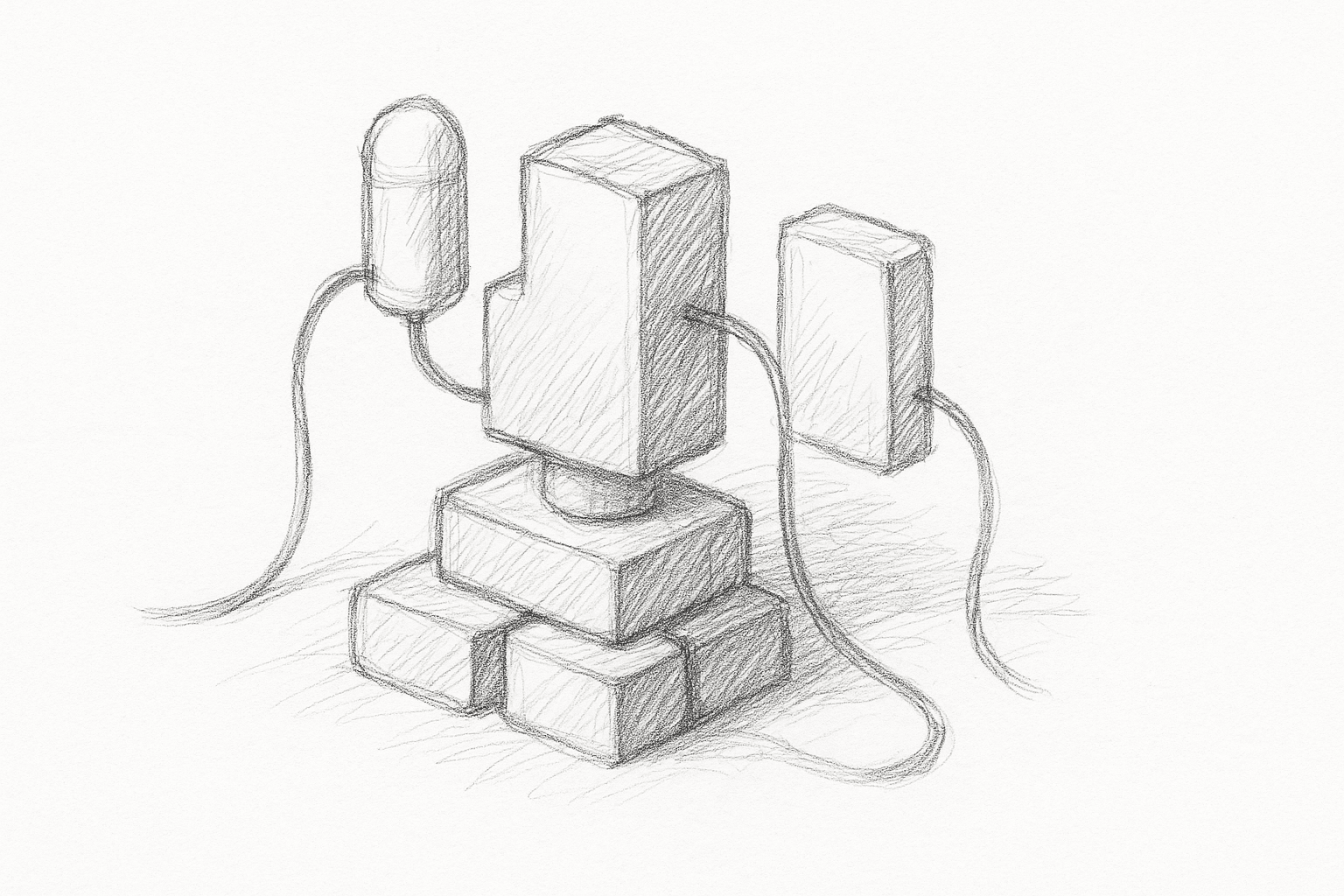
Most teams using AI for coding today follow a simple pattern:
- One powerful model sits in the editor.
- You ask for a change.
- It edits a file or returns a patch.
Multi‑agent orchestration changes that shape. Instead of one model doing everything, you have:
- An orchestrator model with stronger reasoning and more context.
- A pool of worker agents tuned for local code edits.
The orchestrator plans and delegates. The workers execute and report back.
What orchestration actually changes
With a single agent, every request is local and synchronous: you ask for a change, it edits a file, you review.
With orchestration, the unit of work shifts from "edit this file" to "complete this task." The orchestrator can:
- Decompose a feature into sub‑tasks.
- Assign each sub‑task to a specialized worker.
- Run some of those workers in parallel.
- Integrate their outputs and resolve conflicts.
In practice, this changes three things for teams:
- Task granularity: You describe outcomes, not patches.
- Concurrency: Multiple parts of the codebase can be touched in one run.
- Responsibility: The orchestrator becomes accountable for consistency across files and layers.
This is most useful when tasks are:
- Cross‑cutting (for example, add telemetry to 40 endpoints).
- Repetitive but slightly varied (for example, migrate N components to a new API).
- Structured (for example, generate tests for a known set of functions).
For small, one‑file edits, orchestration often adds overhead without much benefit.
A minimal orchestration architecture
A practical setup for a repo‑scale coding assistant usually has:
- Orchestrator: High‑context, higher‑reasoning model.
- Workers: One or more code‑focused models.
- Tools exposed to both layers:
- repo read (search, tree, file read)
- repo write (apply patch, create file, move file)
- run tests / lints
- run custom project scripts (codegen, migrations)
A minimal loop looks like this:
- User task → orchestrator prompt with task, repo context, constraints.
- Planning: build a task graph (sub‑tasks, dependencies, acceptance criteria) and pick tools and workers.
- Execution: workers handle sub‑tasks with scoped context and tools, returning patches or logs.
- Integration: orchestrator reviews patches, resolves conflicts, runs tests, and loops on failures.
- Delivery: present grouped diffs or a PR‑style summary.
The key design choice: the orchestrator should see the plan and the diffs, not every token of every file. That keeps costs and latency manageable.
Concrete implementation steps
You can prototype orchestration without changing your stack.
Define task types
Pick 2–3 repeatable task types where orchestration is likely to help:
- "Add or change an API endpoint across backend and client."
- "Introduce a new shared utility and migrate call sites."
- "Generate or update tests for a module."
For each, note inputs, expected artifacts, and safety checks.
Implement a simple planner
Start with a deterministic planner in code before delegating planning to the orchestrator model.
Example for "add endpoint":
- Sub‑task A: Update backend route + handler.
- Sub‑task B: Update request/response types.
- Sub‑task C: Update client SDK or frontend calls.
- Sub‑task D: Add tests.
Represent this as a small task graph (nodes + dependencies). Then:
- Feed each node to a worker model with the necessary context.
- Serialize execution according to dependencies.
Once this works, you can let the orchestrator propose or adjust the graph instead of hard‑coding it.
Add worker isolation
Workers should not share mutable state. Instead:
- Each worker proposes patches.
- The orchestrator applies them in a controlled order.
- Conflicts are detected and resolved centrally.
This avoids two workers racing on the same file.
Integrate tests and checks
Make tests and static checks first‑class tools:
- Expose
run_tests,run_lint,run_typecheckas callable tools. - Let the orchestrator decide when to run them (for example, after a batch of patches).
- Feed failures back into the orchestrator as structured data when possible, not just raw logs.
Here the orchestrator interprets failures and decides whether to roll back, retry, or adjust the plan.
Tighten the human loop
Do not hide orchestration behind a single "Do it" button. Instead:
- Show the plan before execution.
- Allow the user to approve, edit, or prune sub‑tasks.
- After execution, show a grouped diff by sub‑task.
This keeps trust higher and makes debugging easier.
Where orchestration helps most
Patterns where a strong orchestrator + multiple workers are likely to pay off:
- Large refactors: rename or move concepts across many files, languages, or services.
- Cross‑layer features: backend + API + client + docs in one run.
- Test backfilling: generate tests for a set of existing modules with consistent style.
- Policy enforcement: apply a new logging, error‑handling, or security pattern everywhere.
In these cases, a single agent often loses track of the global intent or times out on context. An orchestrator can keep the high‑level goal in view while workers handle local edits.
Tradeoffs and limitations
Overhead and latency
- Planning and coordination add round‑trips.
- For small tasks, a single strong model is usually faster and simpler.
Cost and complexity
- Multiple models and tools mean more infra and more ways to misconfigure.
- Debugging becomes harder: was it the planner, a worker, or a tool that failed?
Error propagation
- A bad plan can produce many bad edits quickly.
- Without guardrails (tests, type checks, human review), damage scales with the number of workers.
Context limits
- Orchestrators still cannot hold an entire large monorepo in active context.
- You need good retrieval (search, embeddings, heuristics) to feed them the right slices.
Uncertain gains
- The payoff depends on task mix and how disciplined the workflow is. Measure latency, diff quality, and rework before scaling up.
Guardrails that matter
- Strong retrieval: scope each worker to only the code they need plus nearby tests.
- Structured tool outputs: return machine‑readable results from tests and linters so the orchestrator can decide what to retry.
- Change budgets: cap how many files or lines a run may touch without human approval.
- Deterministic steps: keep planning code and tool wiring under version control for reproducibility.
- Human review: require review for plans and grouped diffs, especially on refactors.
How to start small
Pick one task type, wire a minimal planner, and run it on a staging branch. Track time to plan and review, scope vs. files touched, and first‑pass test results. If metrics look good, add a second task type and tighten retrieval and guardrails. If not, simplify the plan or fall back to a single agent for that workflow.
Want to learn more about Cursor?
We offer enterprise training and workshops to help your team become more productive with AI-assisted development.
Contact Us