What Multi‑Agent Orchestration Changes for Teams Shipping With Coding Agents
A practical look at how an "Opus 4.6" style orchestrator could coordinate a fleet of specialized "Codex 5.3" coding agents, what this changes for engineering teams, and how to prototype it safely.
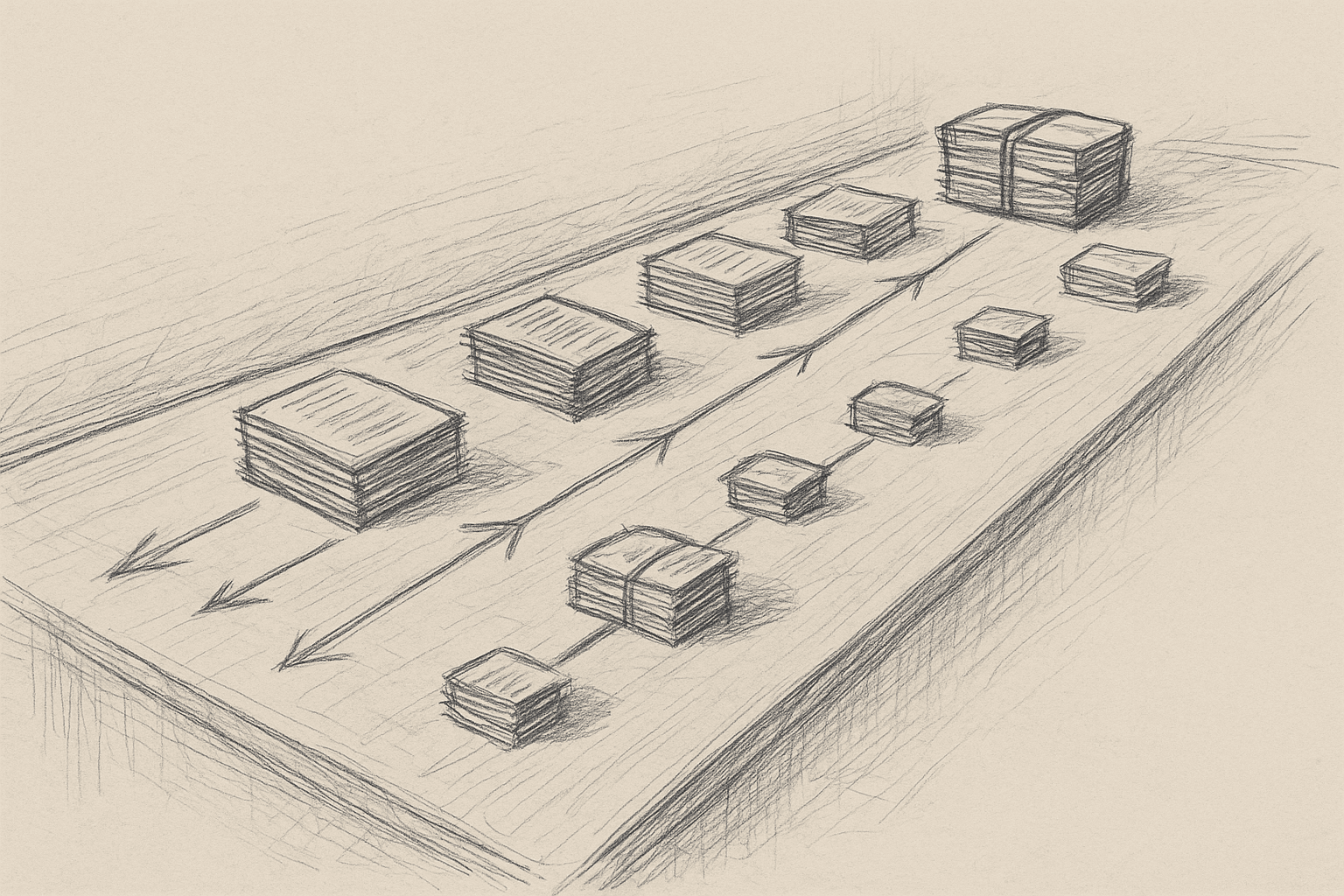
The single "AI pair programmer" pattern is familiar: one model, one chat, one codebase.
Multi‑agent orchestration is different. It treats coding as a coordinated project: one model plans and delegates; several models handle specialized tasks; the orchestrator reviews and merges.
This article uses the placeholder names Opus 4.6 (orchestrator) and Codex 5.3 (coding agents) as a mental model. They are not specific products. The focus is on patterns, not vendors.
We will cover:
- What orchestration actually changes compared to a single coding agent
- A concrete architecture for an "Opus orchestrator + Codex agents" setup
- Example workflows: from issue to PR, refactors, and incident response
- Implementation steps you can try today with current LLMs
- Tradeoffs, failure modes, and when this is not worth the complexity
1. From Single Agent to Orchestrated Fleet
1.1 The single‑agent baseline
Most teams today use coding models in one of three ways:
- Inline assistant in the editor (autocomplete, quick edits)
- Chat agent with repo context (RAG over code, tools like
gitorrg) - Scripted tool (CLI that applies a prompt to a set of files)
All three share properties:
- One model handles understanding the task, planning, and editing.
- Context is bounded by a single conversation or call.
- Parallelism is limited: you can run multiple calls, but they do not coordinate.
This is simple and often enough for:
- Localized changes (one file, one function)
- Small refactors
- Generating boilerplate or tests
It breaks down when tasks are:
- Wide: many files, cross‑cutting concerns, multiple services
- Long‑running: hours or days of incremental work
- Multi‑role: you want different behaviors (planner, implementer, reviewer) with different constraints
1.2 What orchestration adds
A multi‑agent setup introduces at least two distinct roles:
-
Orchestrator (Opus 4.6)
- Holds the global plan and task graph
- Decides which agent should do what, and in what order
- Evaluates partial outputs and requests revisions
-
Worker agents (Codex 5.3 instances)
- Execute concrete coding tasks: implement function X, refactor module Y
- Operate with narrower context and tools
- May be specialized by language, repo, or task type
This changes three things:
-
Decomposition
- Tasks are explicitly broken into subtasks with dependencies.
- The orchestrator can adjust the plan as new information appears.
-
Parallelism
- Independent subtasks can run concurrently across agents.
- This matters for large refactors and multi‑service changes.
-
Specialization
- Different agents can be tuned or prompted for:
- Specific repos or domains
- Implementation vs. review vs. test generation
- Risk profiles (conservative vs. aggressive changes)
- Different agents can be tuned or prompted for:
The expected productivity gain is modest and situational, not a fixed multiplier:
- Fewer human context switches on large changes
- Better throughput on wide tasks via parallelism
- More consistent structure in how work is broken down and reviewed
The actual impact depends on your codebase, tooling, and how much of the workflow you automate.
2. A Concrete Orchestration Architecture
This section describes a workable architecture using current LLMs. Names are placeholders; you can substitute any capable models.
2.1 High‑level components
-
Orchestrator service (Opus 4.6 role)
- API to receive high‑level tasks (for example, "Implement feature X from ticket Y")
- Maintains a task graph and state store
- Calls worker agents and tools
-
Worker agent service(s) (Codex 5.3 roles)
- Each exposes a simple API:
execute_task(task_spec) -> result - Backed by coding‑capable LLMs with tools (file read/write, tests, etc.)
- Each exposes a simple API:
-
Tooling layer
- Git operations (branch, commit, diff)
- File system access (read, write, search)
- Build/test runners
- Repo indexing / search (for example, embeddings + BM25)
-
State and observability
- Task graph and logs in a database
- Per‑task artifacts: patches, test results, notes
- Metrics: task duration, failure rate, human interventions
2.2 Task graph model
Represent work as a directed acyclic graph (DAG) of tasks:
- Nodes: tasks with fields like
id,description,status,assigned_agent,inputs,outputs
- Edges: dependencies (
task Bdepends ontask A)
The orchestrator:
- Parses the initial request into a draft DAG.
- Iteratively refines the DAG as it learns more about the codebase.
- Schedules ready tasks to worker agents.
- Updates the DAG based on results (success, failure, new subtasks).
You do not need perfect planning. A simple iterative loop works:
- Draft plan
- Execute a few tasks
- Re‑plan with new information
2.3 Example agent types
You can start with three worker agent types:
-
Implementation agent
- Goal: modify code to satisfy a spec
- Tools: read/write files, run tests, search code
-
Reviewer agent
- Goal: review diffs for correctness and style
- Tools: read diffs, run tests, access style guides
-
Test agent
- Goal: generate or update tests for changed code
- Tools: read code, write tests, run test suite
All three can be backed by the same underlying model with different system prompts and tool access. You do not need separate models to get value from role separation.
3. Example Workflows
3.1 From ticket to PR
Input: Ticket with description, acceptance criteria, and links to relevant code.
Step 1: Orchestrator planning
- Read ticket and repo context.
- Produce a plan like:
- T1: Identify impacted modules and files.
- T2: Design API changes.
- T3: Implement backend changes.
- T4: Implement frontend changes.
- T5: Update tests.
- T6: Run full test suite and static checks.
- T7: Summarize changes and prepare PR description.
Step 2: Parallel execution
- T1 and T2 run first.
- Once T2 is done, T3 and T4 can run in parallel on separate agents.
- T5 depends on T3 and T4.
Step 3: Review loop
- After T3/T4, the reviewer agent inspects diffs.
- If issues are found, the orchestrator spawns fix tasks (T3a, T4a) assigned to implementation agents.
Step 4: Finalization
- The test agent runs tests (T5, T6).
- The orchestrator collects results and generates a PR summary (T7).
- A human reviews the PR and either merges or requests changes.
This helps most with:
- Wide changes across multiple services or layers
- Repeated patterns of work (for example, similar feature tickets)
It is often not worth it for tiny changes where planning overhead dominates.
3.2 Large‑scale refactor
Goal: Rename a core abstraction and update all usages across a monorepo.
Single‑agent approaches often struggle because:
- Context window limits visibility across the repo.
- The model loses track of progress.
An orchestrated approach:
-
Discovery tasks
- An agent scans the repo (via tools) to find all usages.
- The orchestrator groups usages into clusters (by package, service, or directory).
-
Clustered refactor tasks
- Each cluster becomes a task assigned to an implementation agent.
- Tasks run in parallel, each with local context.
-
Integration tasks
- Once clusters are done, an agent handles cross‑cluster issues (for example, shared interfaces).
-
Validation tasks
- The test agent runs targeted and then full test suites.
- The reviewer agent inspects a sample of changes and patterns.
Large refactors still carry risk. Human review and staged rollout remain important.
3.3 Incident response helper
For production incidents, you can use orchestration to structure investigation:
-
Context gathering
- An agent pulls logs, metrics, and recent deploys.
-
Hypothesis generation
- The orchestrator asks an analysis agent to propose likely failure modes.
-
Code inspection tasks
- For each hypothesis, a coding agent inspects relevant code paths.
-
Patch proposal
- An implementation agent drafts a minimal fix.
-
Verification
- The test agent runs targeted tests or reproducer scripts.
Many orgs will be cautious about letting agents touch incident code paths. A safer early use is analysis only (no writes), with humans owning patches.
4. Practical Implementation Steps
This section focuses on what you can do with current tools, without assuming specific proprietary models.
4.1 Start with a narrow, observable workflow
Pick one workflow where:
- The steps are already somewhat standardized.
- The impact of mistakes is contained.
- You can measure before and after.
Good candidates:
- Implementing small to medium feature tickets in a non‑critical service
- Generating tests for existing code
- Applying mechanical refactors (for example, renaming, adding logging)
Avoid starting with:
- Security‑sensitive code
- Core infra libraries
- Anything with unclear acceptance criteria
4.2 Minimal orchestration loop
You do not need a full DAG engine to start. A simple loop can work:
- Human submits task with description and constraints.
- Orchestrator call:
- Ask a strong model to:
- Understand the task
- Propose 3–7 subtasks with ordering
- Serialize this into a JSON plan.
- Ask a strong model to:
- Execute subtasks sequentially with a coding agent:
- For each subtask:
- Provide the plan, current repo state, and tools.
- Apply changes and run tests as needed.
- For each subtask:
- Review and revise:
- After each subtask or group of subtasks, run a review agent.
- If issues are found, insert new subtasks.
This is still single‑agent execution, but with explicit planning and review. It is a stepping stone to multi‑agent parallelism.
4.3 Adding parallelism safely
Once the basic loop is reliable, add parallelism where dependencies allow it.
Implementation outline:
- Represent tasks as nodes with
depends_onlists. - At each scheduling step:
- Find all tasks with
status = PENDINGand all dependenciesstatus = DONE. - Dispatch them concurrently to worker agents.
- Find all tasks with
Key safety measures:
- File‑level locking: prevent two tasks from editing the same file concurrently.
- Conflict detection: if two tasks touch overlapping regions, require a merge task.
- Batching: start with small batches (2–3 parallel tasks) before scaling up.
4.4 Specializing agents via prompts and tools
You can simulate "Codex 5.3" specializations by:
-
Using the same base model with different system prompts:
- Implementation agent: "You are a cautious software engineer focused on correctness and minimal diffs."
- Reviewer agent: "You are a strict code reviewer focusing on invariants, edge cases, and style."
- Test agent: "You are a test engineer focused on coverage and reproducibility."
-
Restricting tools per agent:
- Reviewer agent: read‑only access to files and diffs.
- Implementation agent: read/write access and test runner.
-
Restricting scope:
- Per‑repo or per‑language agents to reduce confusion.
4.5 Observability and guardrails
Before scaling up, invest in:
- Task logs: which agent did what, when, with what diff.
- Diff inspection UI: humans can quickly scan and approve or reject changes.
- Metrics:
- Time from task submission to PR ready
- Number of human interventions per task
- Test failure rates before and after agent changes
Guardrails to consider:
- Require human approval before merging any agent‑generated PR.
- Limit maximum lines changed per task.
- Restrict agents from touching certain directories (for example, security, infra).
5. Tradeoffs and Limitations
5.1 Coordination overhead
Orchestration adds:
- Planning calls
- Task management logic
- More prompts and model invocations
For small tasks, this overhead can exceed the benefit. A simple single‑agent edit is often faster and easier to reason about.
5.2 New failure modes
Multi‑agent systems fail differently than single agents:
-
Plan quality issues
- The orchestrator mis‑understands the task and decomposes it poorly.
- Downstream agents faithfully execute a bad plan.
-
Inconsistent assumptions
- Different agents make different assumptions about data models or invariants.
- Conflicts surface late in the process.
-
Merge conflicts and race conditions
- Parallel tasks touch overlapping code.
- Automated merges can introduce subtle bugs.
-
Context drift
- Long‑running tasks with evolving codebases can become stale.
Mitigations:
- Keep tasks small and localized.
- Re‑plan frequently based on actual repo state.
- Use reviewer agents plus human review for integration points.
5.3 Model limitations
Current LLMs have limitations that affect orchestration:
- Context limits: even with large windows, they cannot hold an entire monorepo in working memory.
- Non‑determinism: repeated runs can produce different plans and code.
- Shallow understanding: they can miss deeper architectural constraints not visible in code.
Orchestration does not remove these limits and can amplify them if you rely too heavily on automated planning.
5.4 Human factors
Multi‑agent setups change how engineers work:
- More time reviewing and steering, less time writing raw code.
- Need for trust in the orchestration system and its logs.
- Potential confusion if the system is opaque (for example, "Why did it create these tasks?").
Without clear UX and documentation, engineers may avoid the system or misuse it.
6. When Orchestration Is Worth It
Based on current capabilities, orchestration tends to be most useful when:
- Your repo is large and multi‑service.
- You have recurring patterns of wide changes.
- You already have:
- Solid tests
- CI/CD
- Code review culture
It is less useful when:
- Your codebase is small.
- Most tasks are one‑file edits.
- Tests are sparse or flaky (agents cannot safely validate changes).
A reasonable adoption path:
- Single agent with tools in the editor.
- Planned single‑agent workflows (explicit task plans, sequential execution).
- Multi‑role agents (implementation + review + tests) on narrow workflows.
- Parallel multi‑agent orchestration for large, well‑tested codebases.
7. Open Questions and Uncertainties
There are areas where evidence is still limited:
- Throughput gains: Claims of large speedups are mostly anecdotal. Rigorous measurements across diverse teams and codebases are scarce.
- Long‑term maintainability: It is not yet clear how agent‑generated large refactors affect future maintenance costs.
- Best practices for planning prompts: We lack standardized patterns for reliable task decomposition across domains.
- Security implications: Multi‑agent systems increase the surface area for misconfigurations and unintended access.
Teams experimenting with orchestration should treat it as an iterative engineering project, not a turnkey productivity upgrade.
8. Summary
Multi‑agent orchestration for coding is mainly about structured work:
- One orchestrator model plans, routes, and reviews.
- Several worker agents execute focused coding tasks.
- The system maintains a task graph, runs tools, and surfaces artifacts for human review.
The main benefits are in handling wide, repetitive, and long‑running coding tasks with better parallelism and specialization. The costs are added complexity, new failure modes, and the need for strong observability and guardrails.
If you already have a single coding agent working well, the next step is not to spin up a large number of agents. A more measured path is to:
- Make planning explicit.
- Separate implementation, review, and testing roles.
- Add parallelism carefully where dependencies allow.
From there, you can decide—based on your own metrics—whether a full multi‑agent orchestration layer is justified for your team.
Want to learn more about Cursor?
We offer enterprise training and workshops to help your team become more productive with AI-assisted development.
Contact Us