What MCP and Integrations Change for Teams Shipping with Coding Agents
A practical guide to using Playwright’s MCP tool so coding agents can safely poke, click, and test your real web app instead of hallucinating it.
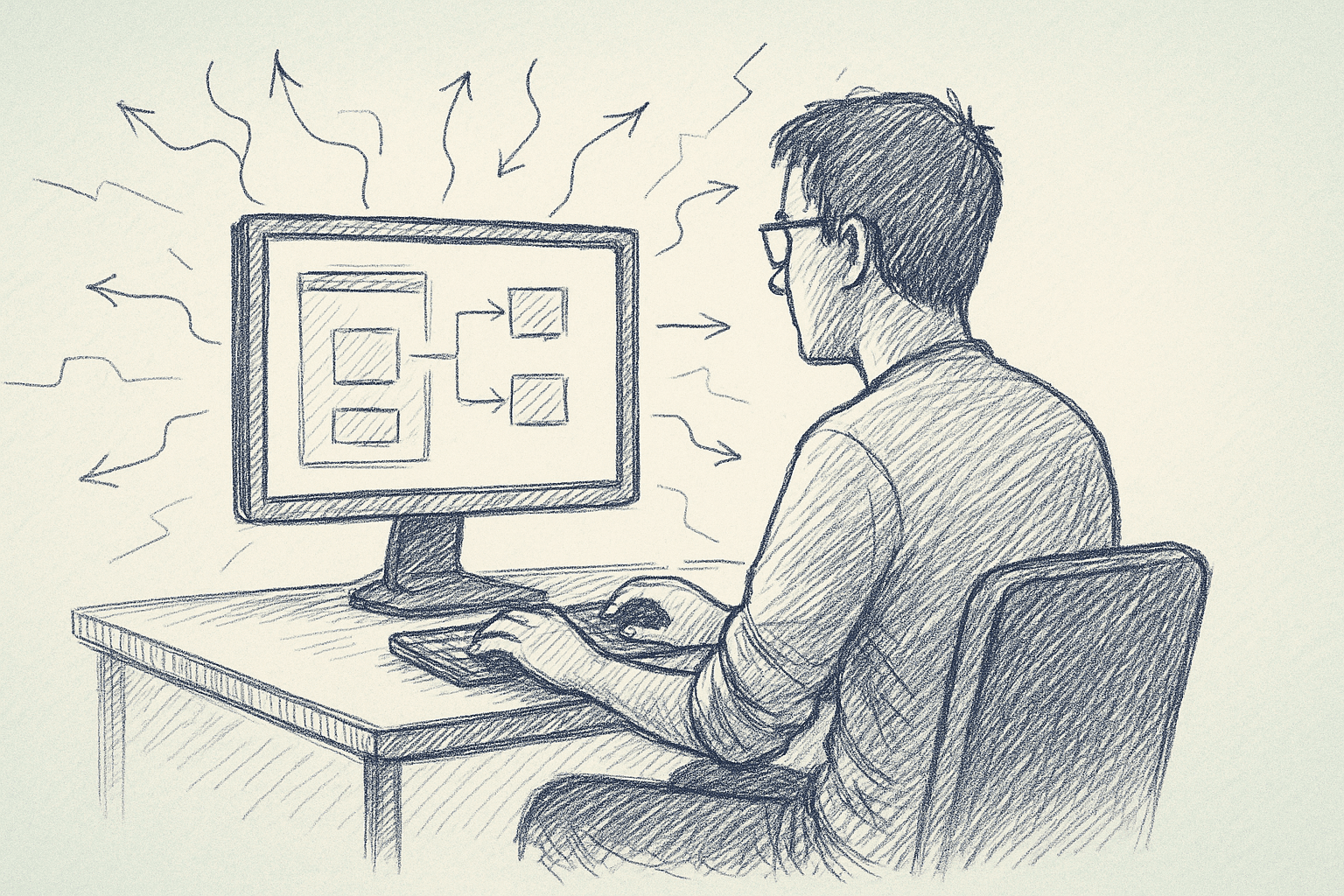
Most teams using coding agents keep them in a sandbox. The agent reads code, writes code, and maybe runs a few unit tests. It does not touch the real app.
Model Context Protocol (MCP) changes that. With MCP, an agent can call tools that talk to real systems: databases, ticketing, CI, browsers.
Playwright’s MCP tool is one of the first concrete options for web apps. It lets an agent open a browser, click through flows, and run assertions.
The question: how does adding Playwright’s MCP tool change what your team can do with coding agents, and how do you implement it without breaking your workflow?
1. What MCP Actually Adds to an Agent
Without MCP, a coding agent can:
- Read files
- Propose code edits
- Run local commands (if allowed)
- Infer behavior from static code and tests
It cannot:
- See your app in a real browser
- Interact with live DOM state
- Validate that a user journey still works end-to-end
MCP adds a structured way to expose tools like Playwright to the agent.
Conceptually:
- The agent stays text-only.
- The MCP server exposes tools ("open page", "click", "assert text").
- The client (for example, Cursor or your own orchestrator) sits between the agent and the MCP server.
Playwright’s MCP tool is an MCP server that wraps Playwright APIs.
The impact: the agent can now propose and then execute UI-level checks against your app.
2. Why Start with Playwright’s MCP Tool
You can build many MCP tools: Git, Jira, databases, feature flags, and more. Playwright is a good first pick for most web teams because it is:
- Scoped – it only touches the browser, not your production data stores.
- Observable – you can record videos, screenshots, and logs.
- Already familiar – many teams use Playwright for end-to-end tests.
This makes it a relatively low-risk way to let an agent interact with a real system.
Concrete uses:
- Check that a bug fix actually changes the UI behavior described in a ticket.
- Reproduce a reported issue by navigating the app as described.
- Smoke-test a critical flow (login, checkout, onboarding) after code changes.
3. Core Design: What the Agent Should Be Allowed to Do
Before wiring anything, decide what capabilities you want to expose.
A minimal, practical surface for a Playwright MCP server might include tools like:
open_page(url)– open a page at a known base URLclick(selector)– click an elementfill(selector, text)– type into an inputwait_for_text(text, timeout_ms)– wait for text to appearassert_text_present(text)– fail if text is missingscreenshot(label)– capture a screenshot for debugging
You usually do not want to expose:
- Arbitrary navigation to external domains
- File downloads
- Direct access to local storage or cookies beyond what is needed
The goal is to give the agent enough power to:
- Execute a user journey
- Observe the result
- Report back with evidence (assertions, screenshots)
…without giving it a general-purpose browser that can wander anywhere.
4. Implementation: Wiring Up Playwright’s MCP Tool
Implementation details vary by stack and the Playwright MCP server you use. The steps below describe a common pattern.
4.1. Prerequisites
You’ll need:
- A project that already uses Playwright, or is willing to add it.
- An MCP-capable client (for example, an editor or orchestrator that supports MCP).
- A non-production environment of your app that is:
- Stable enough for tests
- Safe for automated logins and data creation
4.2. Set Up a Playwright MCP Server
A typical setup looks like this:
-
Create a small service that:
- Imports Playwright
- Starts an MCP server
- Registers a set of tools (for example,
open_page,click,assert_text_present).
-
Define tool schemas in MCP terms:
- Each tool has a name, description, and JSON schema for arguments.
- Keep arguments simple: selectors, text, timeouts, labels.
-
Map tools to Playwright calls:
open_page(url)→browser.newPage().goto(BASE_URL + url)click(selector)→page.click(selector)wait_for_text(text)→page.waitForSelector(text-locator)
-
Enforce constraints in the server:
- Only allow paths under a configured
BASE_URL. - Enforce a maximum test duration per session.
- Limit concurrent sessions.
- Only allow paths under a configured
If you are using an off-the-shelf Playwright MCP implementation, much of this may already exist. Your work becomes configuration.
4.3. Register the MCP Server with Your Agent Client
In your MCP-capable client (for example, an editor or orchestrator):
- Add a new MCP server entry pointing at your Playwright MCP service.
- Configure authentication, if needed (API key, local socket, and so on).
- Verify tool discovery:
- The client should list tools like
open_page,click, and similar.
- The client should list tools like
At this point, the agent can see the tools. You still need to guide how it uses them.
5. Guiding the Agent: Prompts and Conventions
MCP tools are only useful if the agent knows when and how to call them.
You can influence this with system prompts or tool descriptions.
Describe when to use Playwright tools:
- When verifying a UI behavior
- When reproducing a bug that involves user interaction
- When checking that a change did not break a critical flow
Describe how to use them:
- Start by opening the relevant page
- Use semantic selectors if available (data-test IDs)
- Take a screenshot before and after a critical action
Example guidance (paraphrased):
When asked to verify or debug a web UI behavior, use the Playwright MCP tools to open the app in the test environment, perform the relevant user actions, and assert on visible text or state. Prefer stable selectors (data-test attributes) over CSS classes.
You can also encode conventions in the tools themselves:
- Require a
scenario_nameargument so logs are grouped. - Require a
step_descriptionargument for each action.
This makes the resulting logs easier to read and debug.
6. A Concrete Workflow: Agent-Assisted Bug Reproduction
Here is a realistic workflow that many teams can implement.
6.1. Input
A developer or QA writes a ticket:
"When a user updates their email on the profile page and clicks Save, the success toast appears, but the email field still shows the old value until refresh."
6.2. Agent Plan
With access to Playwright MCP, the agent can:
-
Parse the ticket and identify a user journey:
- Login
- Navigate to profile
- Change email
- Click Save
- Observe field and toast
-
Call Playwright tools to:
open_page("/login")fill("[data-test=email]", test_email)fill("[data-test=password]", test_password)click("[data-test=login-button]")open_page("/profile")fill("[data-test=profile-email]", new_email)click("[data-test=save-button]")wait_for_text("Profile updated")assert_text_present(new_email)
-
Report back:
- Whether the bug reproduces
- Screenshots before and after Save
- The exact selectors and steps used
6.3. Human Use
The developer can then:
- Inspect the screenshots and logs.
- Use the agent’s steps as a ready-made Playwright test.
- Fix the bug and ask the agent to re-run the same scenario.
It beats a workflow where the agent only reasons from code and cannot confirm behavior in the browser.
7. How This Changes Team Practices
Adding Playwright MCP does not automatically improve your tests. It nudges some practices.
7.1. You Need Stable Selectors
Agents struggle with fragile selectors such as deep CSS paths or dynamic class names. To make Playwright MCP effective, teams often need to:
- Add
data-testattributes to key elements. - Document them in a short "testing selectors" guide.
This helps human-written tests as well.
7.2. You Treat Agent Runs as First-Class Test Artifacts
Once agents can run browser flows, you need to:
- Log each run with a scenario name and timestamp.
- Store screenshots and videos in a predictable place.
- Make it easy to re-run a scenario locally without the agent.
This pushes teams to treat agent-driven checks like any other test harness, not as a black box.
7.3. You Shift Some Manual QA to Agent-Guided Checks
In practice, teams can:
- Use agents to run repetitive smoke flows on demand.
- Keep humans focused on exploratory and edge-case testing.
This does not replace manual QA. It can reduce time spent on basic regression checks.
8. Tradeoffs and Limitations
There are real costs to wiring Playwright into an agent via MCP.
8.1. Performance and Flakiness
Browser automation is:
- Slow – each scenario can take tens of seconds.
- Resource-heavy – each browser instance consumes CPU and memory.
- Flaky – timing issues, animations, and network hiccups can cause intermittent failures.
For agents, this means:
- Tool calls may time out or fail unpredictably.
- The agent needs to handle retries and partial results.
You should:
- Set strict timeouts per tool call.
- Limit the number of steps per scenario.
- Prefer deterministic test data and stable environments.
8.2. Environment Drift
If your test environment:
- Is frequently broken
- Has different data or feature flags than production
…then agent observations may not match real user behavior.
This is not unique to MCP, but MCP makes it more visible. The agent’s conclusions depend heavily on environment quality.
8.3. Security and Access Control
Letting an agent drive a browser raises questions:
- Which environment can it access (dev, staging, prod)?
- Which accounts can it log in as?
- Can it perform destructive actions (delete data, change settings)?
Practical mitigations:
- Use dedicated test accounts with limited permissions.
- Restrict the base URL to a non-production environment.
- Avoid tools that perform irreversible actions unless you have a clear need and extra safeguards.
8.4. Observability and Debuggability
If a Playwright MCP call fails, you need to know:
- Was it a test failure (assertion) or an infrastructure issue?
- What page state did the agent see?
This requires:
- Logging tool arguments and outcomes.
- Capturing screenshots or videos on failure.
- Exposing these artifacts to developers in a simple way.
Without this, agent-driven tests become opaque and frustrating.
9. Practical Rollout Plan for a Team
A cautious, incremental rollout might look like this.
Phase 1: Prototype on a Single Flow
- Pick one critical, stable flow (for example, login + profile update).
- Add stable selectors (
data-testattributes). - Wire up Playwright MCP with a very small tool surface.
- Have a single developer or small group experiment with the agent.
Success criteria:
- The agent can reliably execute the flow.
- Failures are explainable via logs and screenshots.
Phase 2: Expand to a Small Set of Journeys
- Add 3–5 more flows (checkout, onboarding, settings).
- Document conventions for selectors and test accounts.
- Integrate agent-driven checks into PR review for those flows.
Success criteria:
- Developers sometimes use the agent to validate UI changes.
- The overhead of maintaining selectors and environment is acceptable.
Phase 3: Decide on Broader Adoption
Based on experience, decide whether to:
- Keep Playwright MCP as a targeted tool for a few critical flows.
- Expand it to a larger portion of the app.
- Integrate it with CI or keep it as an on-demand developer tool.
The right answer depends on your app’s complexity, flakiness tolerance, and team capacity.
10. When Not to Use Playwright MCP
There are cases where adding Playwright MCP is likely not worth it:
- Highly dynamic, constantly changing UI – selectors and flows churn weekly.
- No stable test environment – staging is often broken or out of sync.
- Very small apps – manual checks are cheap and fast.
In these cases, focusing on unit and integration tests, plus static analysis and code-level agent help, may deliver more value.
11. Summary: What Changes When You Add Playwright MCP
Adding Playwright’s MCP tool does not make your agent smarter in a general sense. It gives it a new sense: the ability to see and act in a real browser.
For teams, the concrete changes are:
- Agents can verify UI behavior instead of just reasoning about code.
- You need better selectors, environments, and logs.
- Browser automation costs (flakiness, performance) now apply to agent workflows too.
If you start small—one environment, a few key flows, tight guardrails—Playwright MCP can be a practical next step for teams already using coding agents and Playwright.
Treat it as another test harness, not a black box. Version it, observe it, and keep humans firmly in the loop.
Want to learn more about Cursor?
We offer enterprise training and workshops to help your team become more productive with AI-assisted development.
Contact Us