What AI Coding Tooling Changes for Teams Shipping With Coding Agents
A practical breakdown of how one developer runs their day on an AI coding agent stack, and what that implies for engineering teams adopting similar workflows.
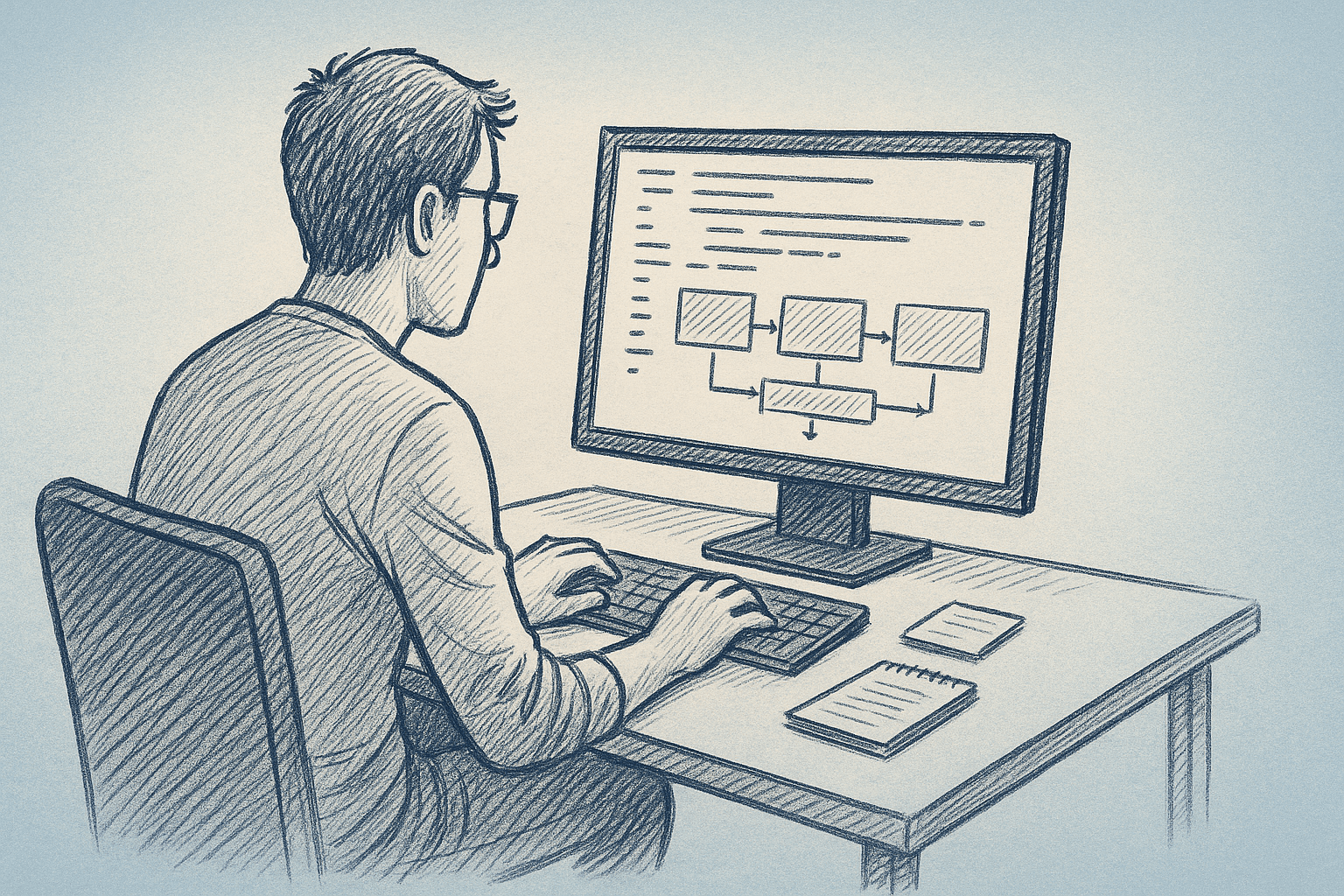
AI coding tools are moving from autocomplete to agents that run multi-step work. This builds on a short post from a developer who:
- Previously used Claude Code
- Has now “fully moved off Claude Code to Codex”
- Starts the day in a web interface (Codex), plans in Linear, and kicks off 3–4 parallel tasks
We do not know their full stack. The goal here is to extract likely patterns and tradeoffs for teams using coding agents. Speculative parts are flagged as such.
1. From "AI pair programmer" to "AI task owner"
Most teams start with AI as autocomplete or chat in the editor. The workflow in the post looks different:
- The developer plans their day in a project tool (Linear).
- They turn user feedback into small, focused tasks.
- They then start several tasks in parallel using an AI coding agent.
1.1. What likely changed in practice
The unit of work likely shifts:
-
Before (Claude Code or similar):
- Ask the model for help with specific edits.
- Stay involved in every change.
- Human is the main executor; the model assists.
-
After (Codex or similar agent IDE):
- Define a task in natural language, tied to an issue.
- Let the agent explore the repo, edit files, and run commands.
- Human reviews and integrates the result.
So the tool moves from “help me write this function” toward “implement this ticket under these constraints”.
1.2. Why this matters for teams
Once agents can own tasks end-to-end, bottlenecks move:
- From typing speed → to task clarity and decomposition
- From local code context → to repo structure and conventions
- From prompt quality → to feedback loops and test coverage
Teams that ignore this often run into:
- Agents stuck on vague tickets
- Duplicate or conflicting work
- Diffs that are hard to review because tasks are too broad or cross-cutting
2. A concrete daily workflow with coding agents
We only have a partial description of the developer’s day. The flow below is an example workflow based on the pattern they describe, not a transcript.
2.1. Morning: planning and task shaping
Likely activities:
-
Review new feedback and issues
- Pull in user feedback from support, Slack, or analytics.
- Decide what is actionable in the next 1–2 days.
-
Turn feedback into small, isolated tasks
- Scope each task so an agent can complete it without broad refactors.
- Link tasks to Linear issues (or similar).
-
Prioritize and sequence
- Pick tasks that can run in parallel.
- Keep some tasks for manual work if they are too ambiguous or risky.
2.2. Midday: kicking off agent work
The post mentions “kick off 3–4” tasks. In practice, this might look like:
-
Open the agent IDE (e.g. Codex web)
- Connect it to the repo and environment.
-
For each selected task:
- Paste or sync the Linear ticket.
- Add constraints: files to avoid, performance needs, style rules.
- Let the agent propose a plan: which files to touch, which tests to run.
-
Run agents in parallel
- Each agent instance works on a different task.
- The human watches logs and intermediate diffs.
-
Review and integrate
- Inspect diffs for each completed task.
- Run tests locally or in CI.
- Merge or send the task back to the agent for another round.
2.3. Afternoon: integration and higher-judgment work
Once agents produce candidate changes, the human work shifts to:
- Resolve conflicts between tasks.
- Do manual refactors that span multiple agent changes.
- Update docs and release notes.
- Decide what to ship and when.
This fits the limited description and matches patterns other teams report when using coding agents.
3. Practical implementation steps for teams
Here is a step-by-step way to move toward this style of workflow, without tying to a specific vendor.
3.1. Step 1: Make tasks agent-friendly
Agents work best on tasks that are:
- Narrow in scope: one feature, bug, or refactor per task.
- Local in impact: a small set of files or a single module.
- Testable: clear success criteria and at least one relevant test.
Implementation checklist:
- Add an “Agent-suitable” label in your issue tracker.
- Define a template for agent tasks, for example:
- Context: what user problem this solves
- Constraints: files to avoid, performance limits, security concerns
- Acceptance criteria: behavior, tests, metrics
- During grooming, decide explicitly: human-only, agent-first, or hybrid.
3.2. Step 2: Standardize environment access
Agents need a predictable environment to behave consistently.
Implementation checklist:
- Provide a single entrypoint script for setup (e.g.
./dev bootstrap). - Document how to run unit, integration, and e2e tests from the CLI.
- Ensure the agent can:
- Clone or access the repo
- Install dependencies non-interactively
- Run tests without manual steps
If your agent tool supports persistent workspaces, use them to avoid repeated setup.
3.3. Step 3: Define review rules for agent changes
Without clear rules, reviews become uneven and slow.
Implementation checklist:
- Decide what agents are allowed to change:
- Application code only?
- Infrastructure and CI configs?
- Migrations and data scripts?
- Set minimum review standards for agent PRs:
- All tests pass (or explicit justification if not).
- No unexplained large deletions or cross-cutting changes.
- Comments in the PR summarizing what changed and why.
- Decide when to reject agent work:
- If it touches forbidden areas.
- If it adds new dependencies without approval.
3.4. Step 4: Integrate with your planning tool
The post mentions Linear; the same ideas apply to Jira, GitHub Issues, and others.
Implementation checklist:
- Add fields to issues for:
- “Agent candidate” (yes/no)
- “Agent run id” or a link to the agent session
- Encourage developers to:
- Start agent work directly from the issue.
- Attach logs or transcripts to the issue for traceability.
- Track cycle time separately for agent vs non-agent tasks.
This shows whether agents are actually useful.
4. Tradeoffs and limitations
The move from Claude Code to Codex is one example of a broader shift: from inline help to task-level automation. That shift has costs.
4.1. Tool migration costs
We do not know why this developer switched tools. Common reasons teams report include:
- Better integration with their editor or repo
- More reliable multi-file edits
- Faster iteration cycles
Migrations also add friction:
- Learning curve: new UI, new prompts, new failure modes.
- Inconsistent behavior: tools may format code or tests differently.
- Split workflows: some people stay on the old tool, which fragments practice.
If you consider a similar move, treat it like any other platform change. Run a small pilot, compare outcomes, and document new norms.
4.2. Over-reliance on agents
Risks when agents become the default executor:
- Shallow understanding: developers may stop reading the code they ship.
- Hidden coupling: agents may add dependencies or patterns that are hard to maintain.
- Debugging debt: when something breaks, no one remembers the design rationale.
Mitigations:
- Require humans to write or update design docs for non-trivial changes, even if the code came from an agent.
- Rotate an “agent reviewer” role so several people stay familiar with the agent’s behavior.
- Periodically refactor agent-heavy areas by hand.
4.3. Limits of current agent capabilities
Based on public reports and current tooling (early 2026), most coding agents still struggle with:
- Large, cross-cutting refactors
- Complex concurrency or performance-sensitive paths
- Non-trivial data migrations and rollback plans
- Subtle security and privacy requirements
Teams should:
- Keep these tasks human-led, with agents as helpers.
- Use agents for scaffolding and boilerplate, not final judgment.
5. Measuring whether agents are actually helping
Without measurement, it is easy to misread productivity changes.
5.1. Simple metrics to track
You do not need fine-grained telemetry. Start with:
- Lead time per issue (agent vs non-agent)
- Review time per PR (agent vs non-agent)
- Reopen rate / bug rate for issues closed by agent-generated changes
- Developer time spent supervising agents vs coding directly
5.2. Qualitative checks
Run short, regular debriefs:
- Which tasks went well with agents? Why?
- Which tasks failed or needed heavy rework?
- Are there common failure patterns (e.g. missing tests, unclear specs)?
Use this to refine your “agent-suitable” task criteria.
6. How to start small
If your team is not yet running their day “on agents”, you can still adopt the useful parts of this workflow.
6.1. Pilot with one developer and one area
- Choose a developer who is already comfortable with AI coding tools.
- Pick a bounded area of the codebase (for example, a single service or feature).
- For 1–2 weeks, route suitable tickets in that area through an agent-first workflow.
6.2. Capture and share patterns
Ask the pilot developer to document:
- What made a task easy or hard for the agent.
- How they wrote prompts or issue descriptions.
- What review rules they needed.
Turn this into a short internal guide before you scale up.
7. Summary
From one developer’s move from Claude Code to Codex and their agent-centered day, we can see a broader shift:
- AI coding tools are becoming task owners, not just autocomplete.
- Planning, task shaping, and review matter more than prompt tricks.
- Tool choice often comes down to workflow fit and integration, not just model quality.
Teams that want to benefit from this shift should:
- Make tasks agent-friendly and testable.
- Standardize environments and review rules.
- Start with small pilots and measure outcomes.
Tools will keep changing. The core practices—clear tasks, solid tests, disciplined review—are likely to remain the main levers for shipping reliably with coding agents.
Want to learn more about Cursor?
We offer enterprise training and workshops to help your team become more productive with AI-assisted development.
Contact Us